This article is intended for Admin users:
Note: You must be an Admin user to be able to manage users in your team.
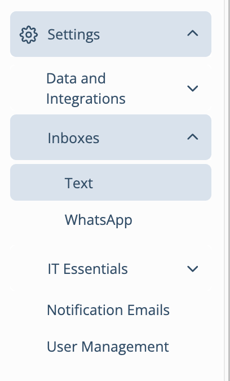
1. To add a user to a Shared Inbox after it has been created, select the correct Team > Settings > Inboxes > Text
• If your team has WhatsApp enabled, you can select the WhatsApp inbox here.
Note: If your shared inbox is pending registration, users cannot be added to it until it has been registered successfully.
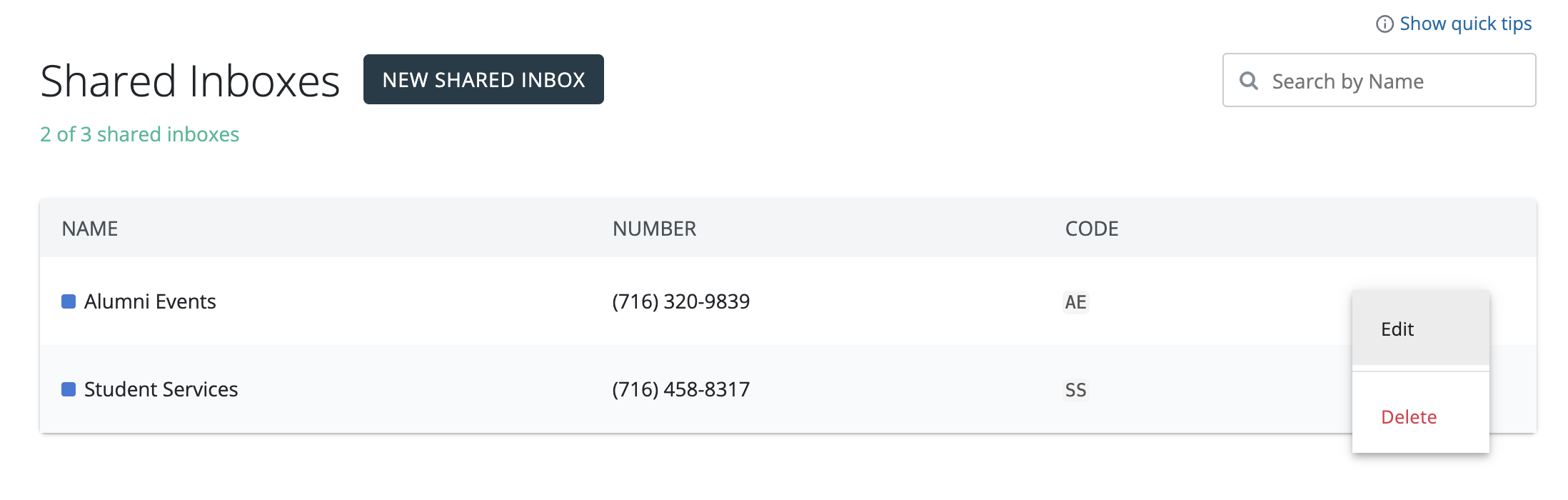
2. Click on the three dots next to the Shared Inbox to Edit.
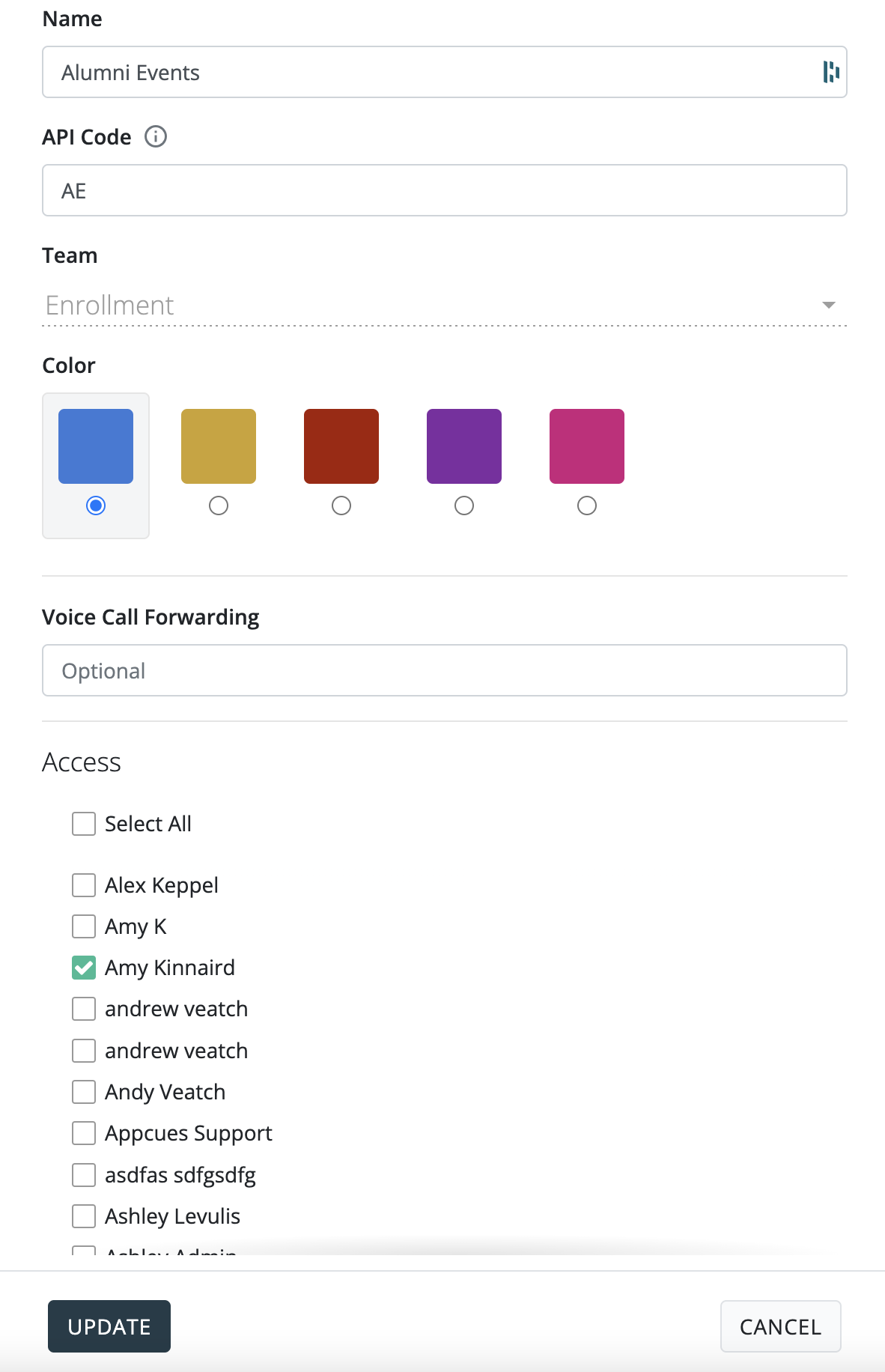
3. To add a user to this Shared Inbox select the checkbox next to their name and click [Update]